

I’ve been speaking at several fall conferences the past few weeks. Its great to get out of the office and meet people “IRL”! I enjoyed attending MASS CUE in New England and the Great Lakes Unity conference in Grand Rapids, MI.
During these events I had an opportunity to introduce teachers and administrators to the Google Educator Series, a really neat program from Google that allows you to earn official Gemini badges for learning about Gemini and Gemini Notbook. It’s fun!
There’s lots to explore and consider when it comes to AI in education. This month I’m hosting a free webinar that will highlight some of the latest features to Google’s AI tools including the transition from Gems > Skills (more on that later).
I hope we can connect at an in-person event or live webinar. But for now, let’s dive into 10 interesting, important, and helpful updates for October 2026.
Learn Gemini & Earn a badge (free webinar)
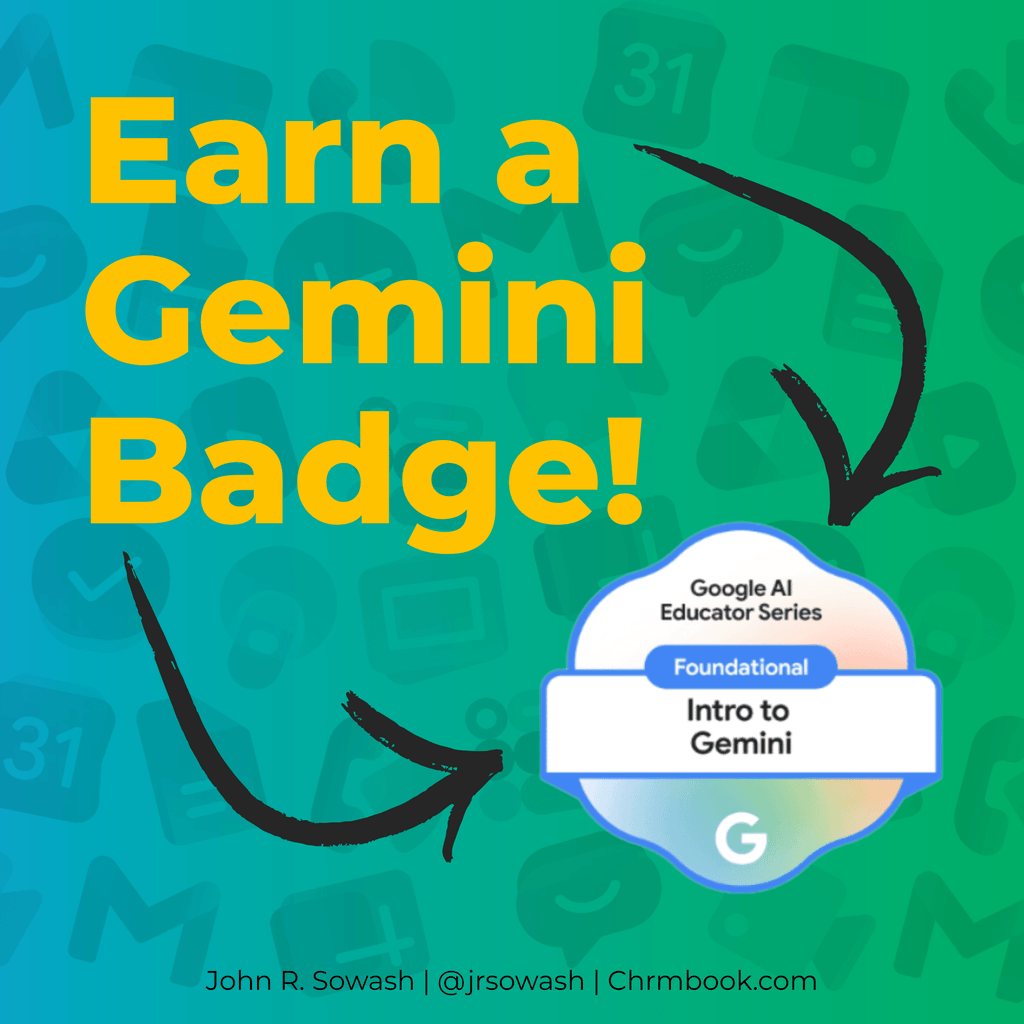
I’m hosting two FREE webinars in October to help educators explore Gemini and Gemini Notebook while earning an official badge from Google! These events are sponsored by Google which means they are FREE for you!
Tip: Can’t attend live (or reading this AFTER the dates below), no problem…RSVP and I will send you the recording!
Session 1: Intro to Gemini
- Date & Time: October 21, 2026 @ 7pm EST
- RSVP: chrm.tech/ges-webinar
Session 2: Advanced Gemini:
- Date & Time: October 28, 2026 @ 7pm EST
- RSVP: chrm.tech/ges-webinar
EDU Updates for October 2026
Publish Vibe coded apps to Google Sites – You can now directly export your vibe coded application from Gemini to Google Sites without copying and pasting code! This is GREAT for teachers and makes it much easier to share your creations with students.
Skills will replace Gems (eventually) – Google will be phasing out Gems and replacing them with skills. This transition will happen slowly and won’t be finalized until mid 2027. Teachers can continue to use Gems for the remainder of this school year.
- Oct. 13 – Skills become available to education users
- June 1, 2027 – Education users can no longer create or edit Gems. Gems will automatically be converted into Skills.
Getting to know Skills – A skill is a saved prompt that you can use over and over to speed up and improve your use of Gemini. Skills are similar to Gems, but can be “‘stacked” on top of one another which means you can use multiple skills at the same time.
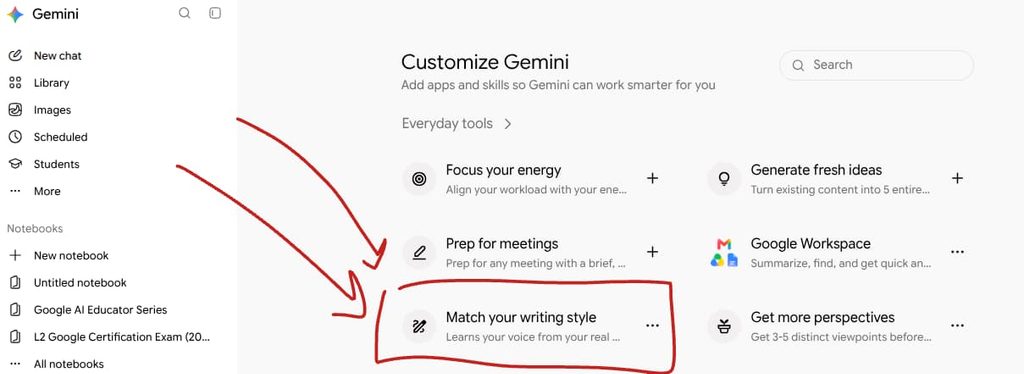
Featured Skill: Match your writing Style – this is a skill that everyone should enable! Gemini will evaluate Gmail and Drive to understand your existing writing style. Based on this sample material, anything you ask Gemini to help you with will be written in your voice. To activate, open Gemini, select “customize” from the menu and look for “match your writing style.”
Notebook Insights for Teachers – Google Classroom will begin showing data on how your students interact with Gemini Notebooks that teachers have assigned. The insights include a summary of chat conversations and usage data.
Read Along for Google Classroom – A LOT of teachers who saw this Facebook post and wanted to know more about Read Along for Google Classroom. This blog post will show you the different options that you can use Read Along in your classroom!
Batch Grading with Brisk – I just learned about a great new feature available for Brisk teaching that allows ELA teachers to provide “batch feedback” to many students based on your custom grading criteria. This feature is free for all teachers!
Atomency Chemistry App – A 16 year old chemistry student built the chemistry app that his teacher needed, and it’s awesome! Listen to the story on the Cool Cat Teacher podcast by Vicky Davis.
Spooky ELA activity for students – Explore the use of figurative language with the use of AI images. This activity challenges students to write using vivid language so that an AI image generator like Gemini or Canva can visually create their fictional world.
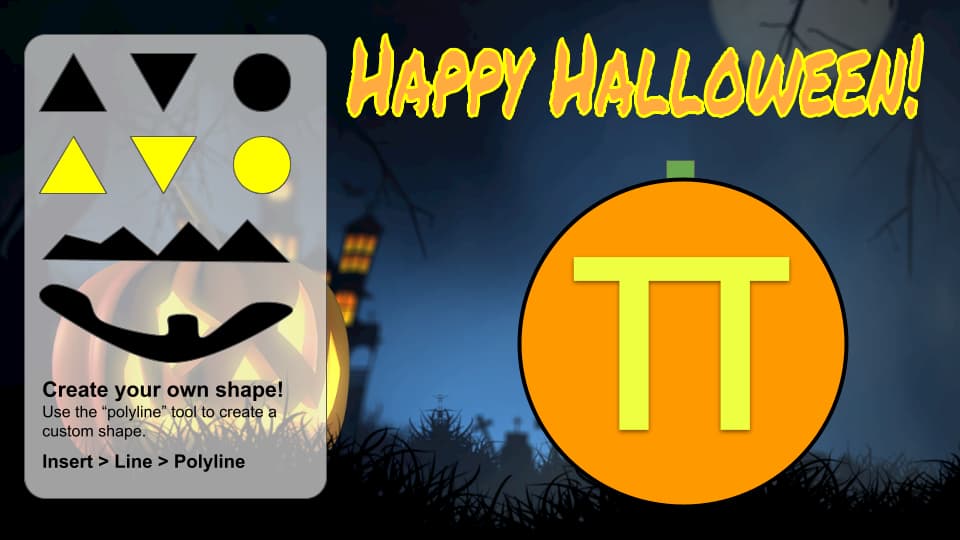
Digital Pumpkin Carving – this is a fun seasonal activity for younger students that give them practice with fine mouse movements and Google Slides.
See you next month!
Those are the Google EDU updates for the month of September! Join more than 20,000 educators who received my monthly updates via email! It’s a free, convenient way to stay up-to-date on the world of edTech!
Get the Google EDU Update!

Staying on top of the world of technology can be challenging. I offer a free, monthly newsletter to help educators keep up with these changes.
Each month the Google EDU update includes:
- A summary of Google updates from the past month
- An original article on technology integration.
- Upcoming events and opportunities
Let me help you find and use technology that can make you a more effective teacher.
Reader Interactions